
What this feature does:
Comments Management allows your team to monitor and respond to social comments from connected channels inside Chazt.
When to use it:
Use this feature when customers engage with your Facebook or Instagram posts and your team needs a central place to review and respond.
How to use it:
- Open Inbox and switch to the channel where comments are managed.
- Select the Comments tab.
- Use search to find a specific customer comment or thread.
- Open a thread and respond based on your support or engagement workflow.
- Refresh or revisit the list to track newly received comments.
Expected result:
Your responses and comment actions are reflected in the connected channel where permissions allow.
Important notes:
- Channel availability depends on active Facebook/Instagram integrations.
- Available actions can vary by channel permissions and account role.
- Facebook comments screenshot is currently documented below.
- Instagram comments screenshots will be added in a future update.
Screenshots
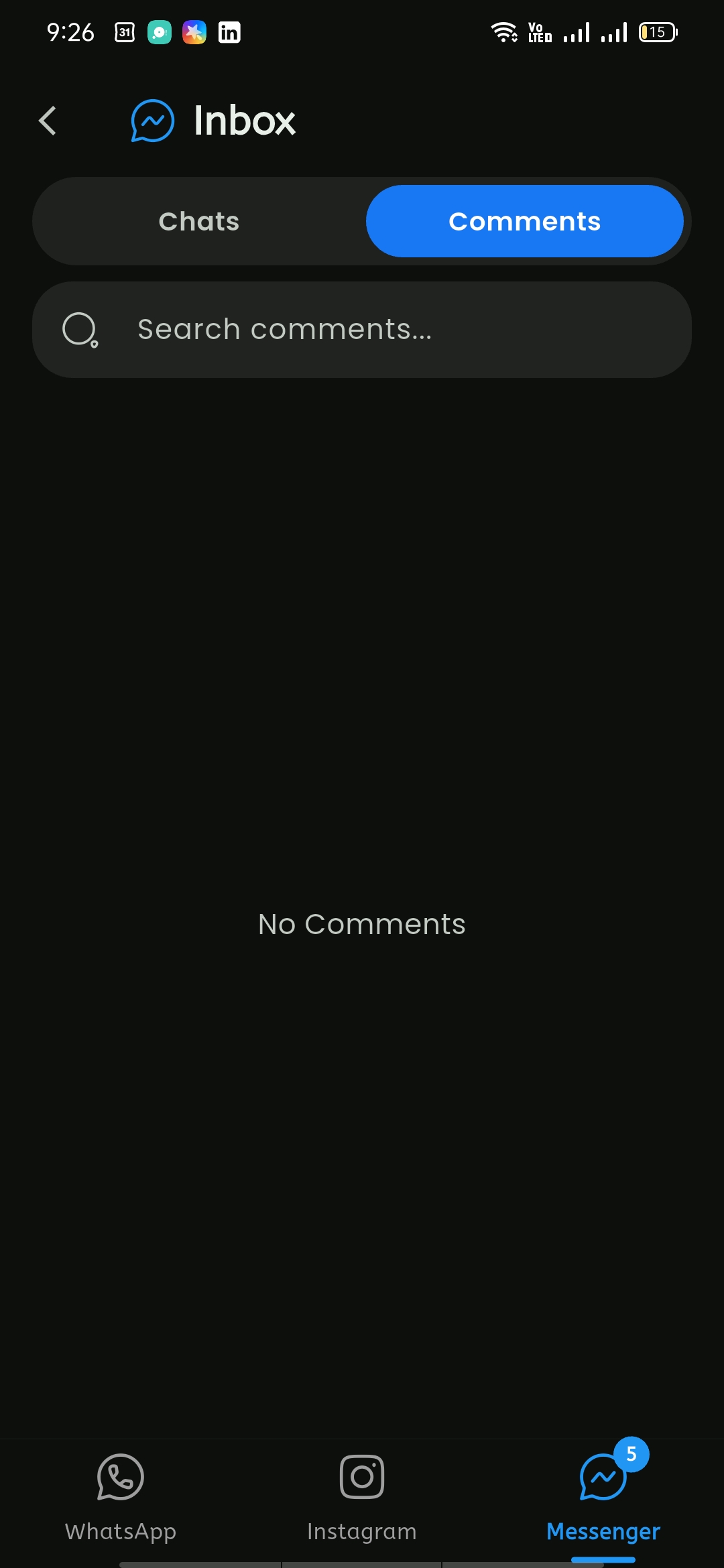
Mobile View