
What this feature does:
The Customers area lists customer records and helps teams review customer activity.
When to use it:
Use Customers to view people who are already customers or have been classified as customers.
How to use it:
- Open Customers.
- Search for a customer.
- Use filters such as today or show all if available.
- Select a customer to review details, if supported.
Expected result:
You can view customer records and customer counts.
Important notes:
- If no customers exist, Chazt displays an empty state.
- Customer classification rules should be confirmed with the Chazt team.
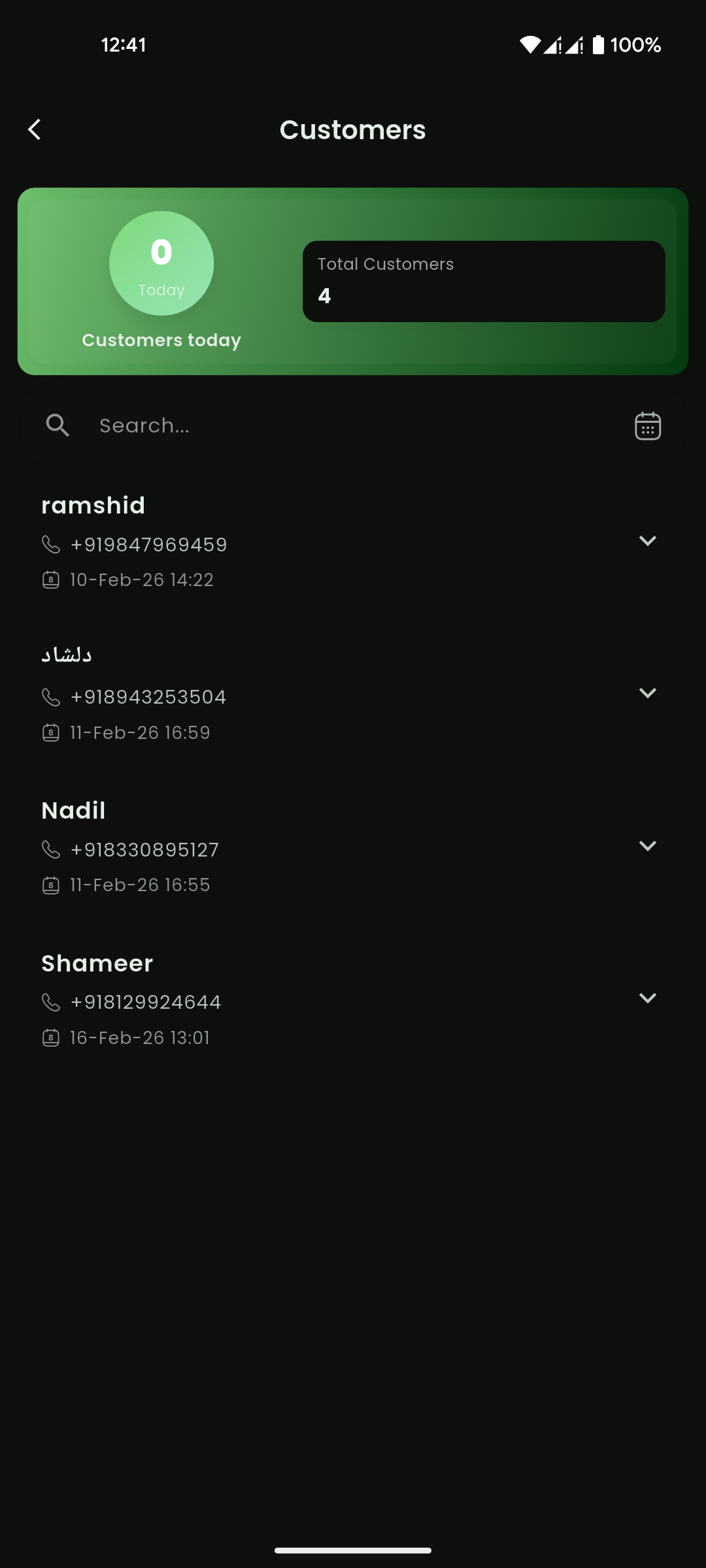
Mobile View