
What this feature does:
Groups help organize contacts for campaigns and segmentation.
When to use it:
Use groups when you want to send campaigns or organize contacts by audience, location, customer type, or other categories.
How to use it:
- Open Contacts or Groups.
- Select Add Group.
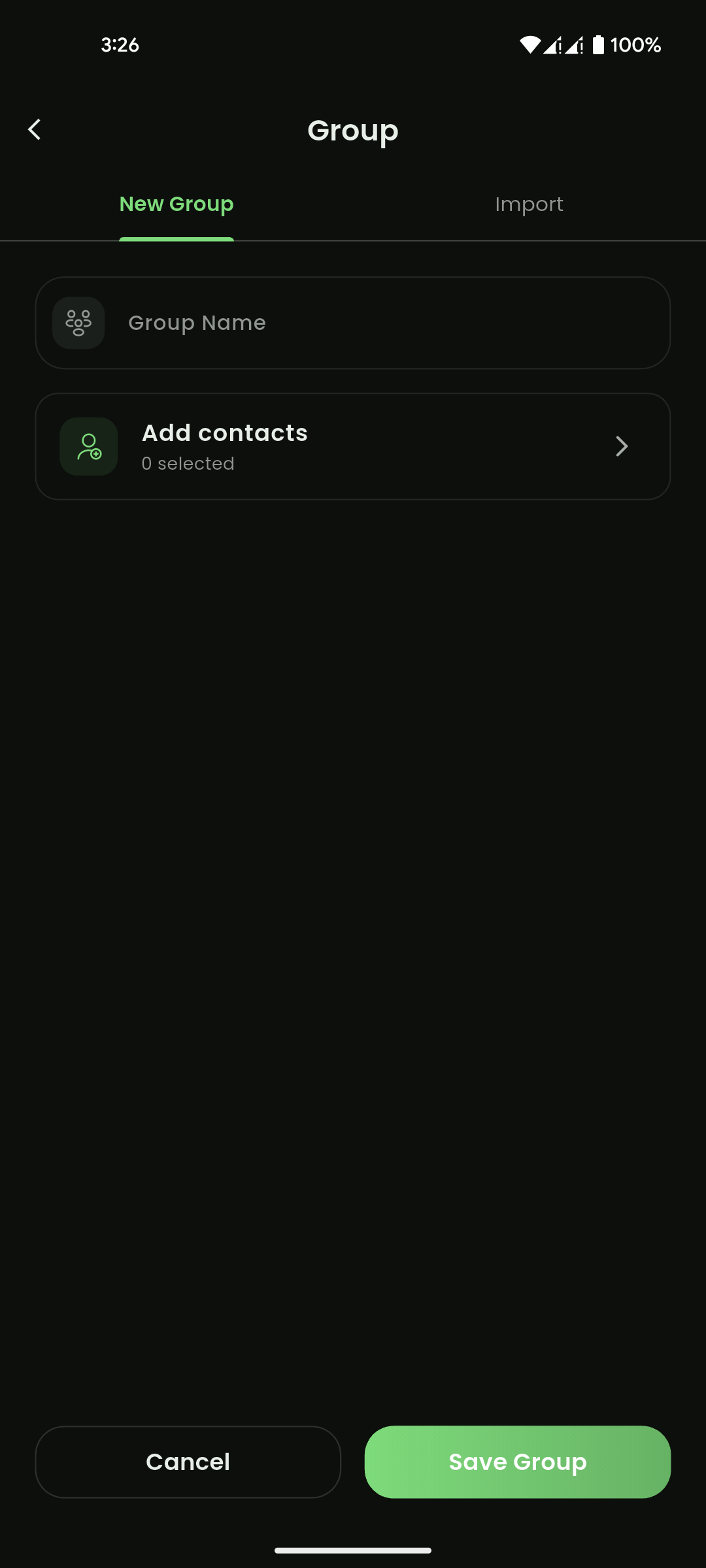
- Enter a group name.
- Add contacts to the group.
- Select Save Group.
Expected result:
The group is created and can be used in campaigns or contact organization.
Important notes:
- Groups can be searched.
- Groups can be imported from an XLSX file.
- Groups may be edited or deleted.
- Campaigns may use groups as recipient lists.

Mobile View
Mobile View

Mobile View