
What this feature does:
Instagram chats allow teams to manage Instagram customer messages in Chazt.
When to use it:
Use Instagram chats when customers contact your business through Instagram.
How to use it:
- Connect Instagram if it has not already been connected.
- Open the Instagram chat area.
- Search or select a conversation.
- Review the customer profile and message history.
- Send a reply or media message where supported.
- Assign, close, open, block, or report the conversation when needed.
Expected result:
The Instagram conversation is updated in Chazt.
Important notes:
- Instagram must be connected before chats appear.
- Some channel actions may differ from WhatsApp.
- If no conversations are available, Chazt may show an empty state prompting setup or customer activity.
Screenshots
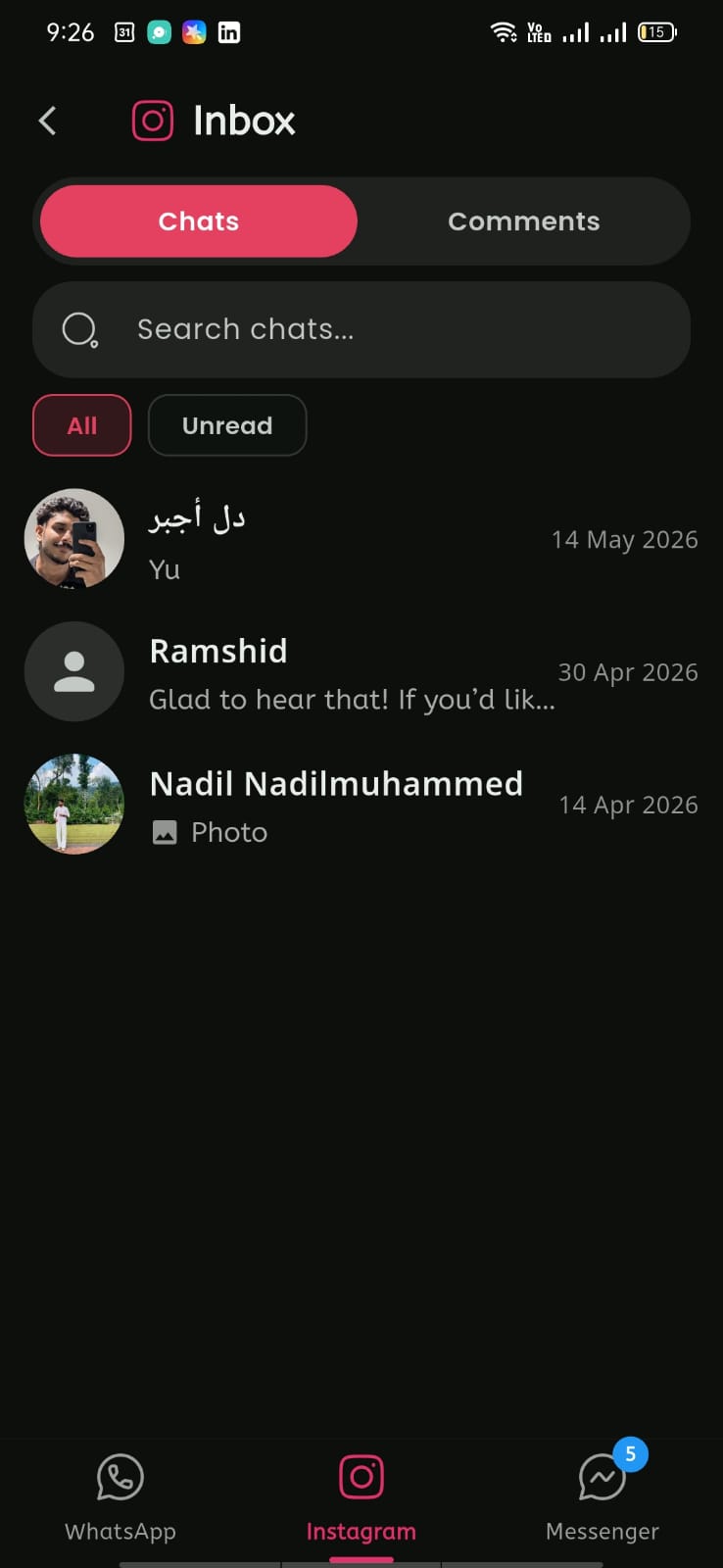
Mobile View
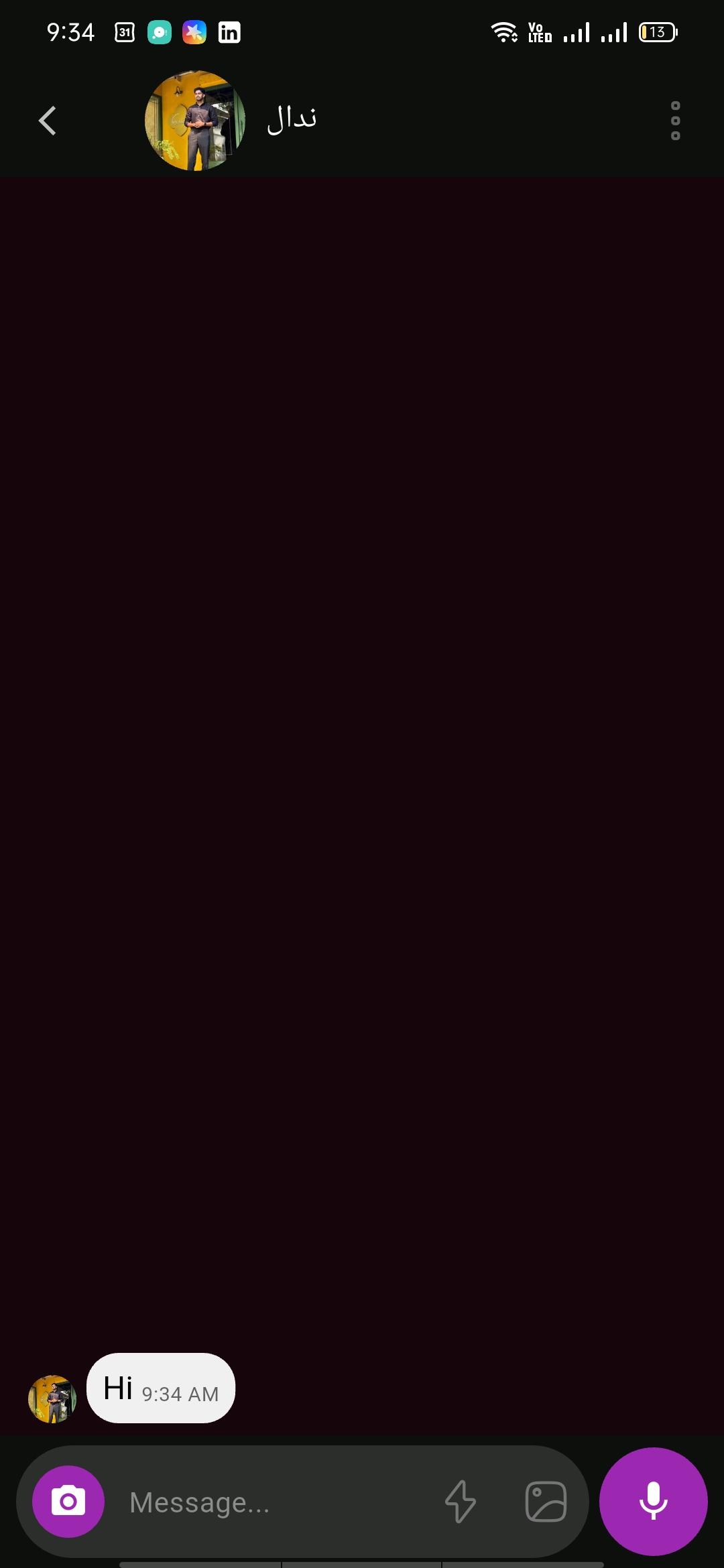
Mobile View