
What this feature does:
Quick Replies helps agents send saved responses quickly across supported chat channels.
When to use it:
Use Quick Replies for repetitive responses such as greetings, first responses, support instructions, and follow-up confirmations.
How to use it:
- Open Inbox > Chats.
- Open any supported conversation.
- Open the Quick Replies panel.
- Tap an existing reply to send it.
- Add a new quick reply from the input area when needed.
Expected result:
The selected quick reply is sent in the active conversation and remains available for reuse.
Important notes:
- Keep replies short, clear, and customer-friendly.
- Review saved replies regularly to keep them accurate.
- Channel-specific messaging policies still apply.
- For WhatsApp outside the 24-hour window, free-form and quick replies are blocked; use an approved template message.
Screenshot
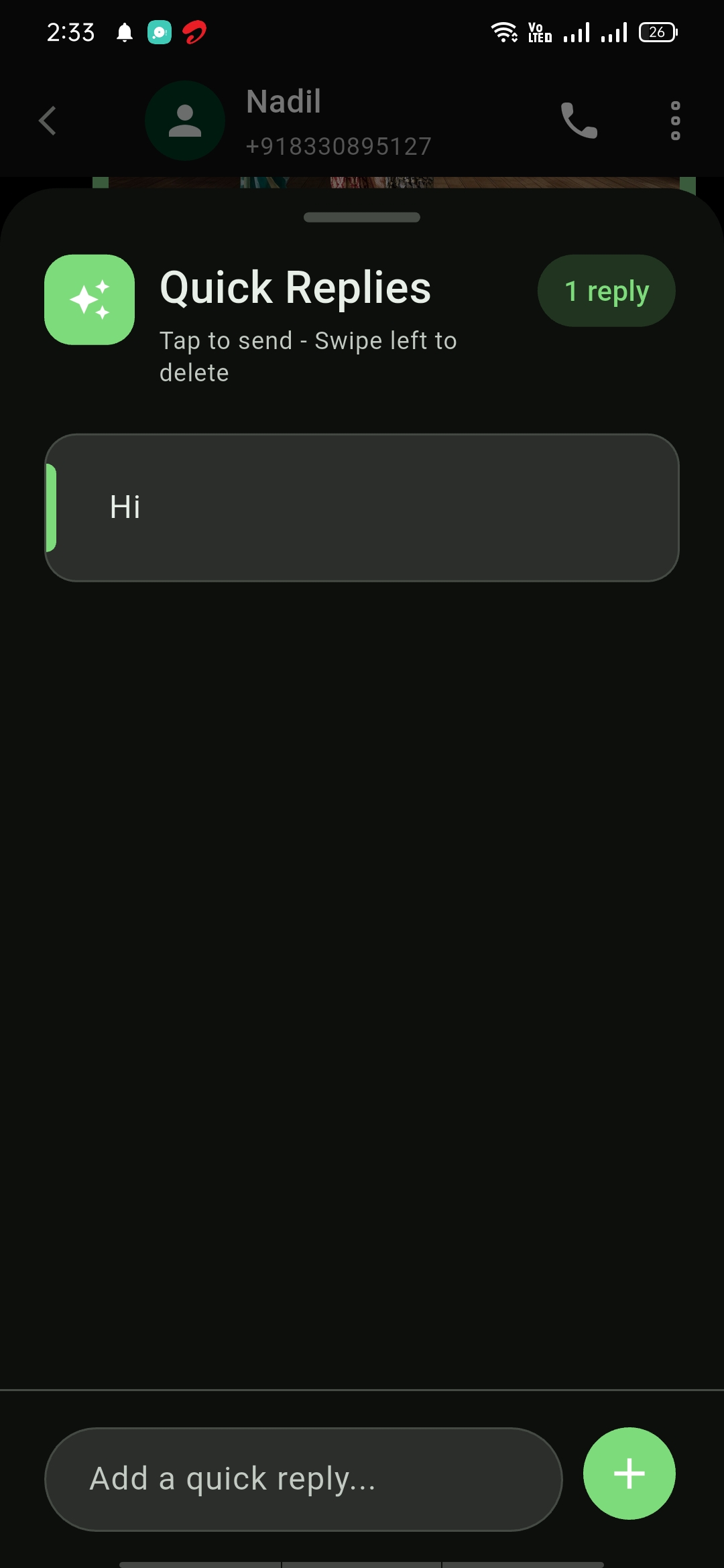
Mobile View