
What this feature does:
Team Management lets authorized users invite and manage team members.
When to use it:
Use Team Management when adding new users, changing roles, or removing users from a workspace.
How to use it:
- Open Team.
- Review existing team members from the team list.
- Use search to find a member if needed.
- Select + to open Invite user.
- Enter the user’s email address.
- Choose a role, such as Owner or Agent.
- Select Send Invite.
- The invited user receives an invitation.
- After the user accepts, they can access the workspace according to their role.
Expected result:
The user is invited and appears in the team list.
Important notes:
- Only authorized users can invite or manage team members.
- Team invitations may need to be accepted from the login screen or invite link.
- Roles control workspace access and actions.
- Users can be edited or removed if permitted.
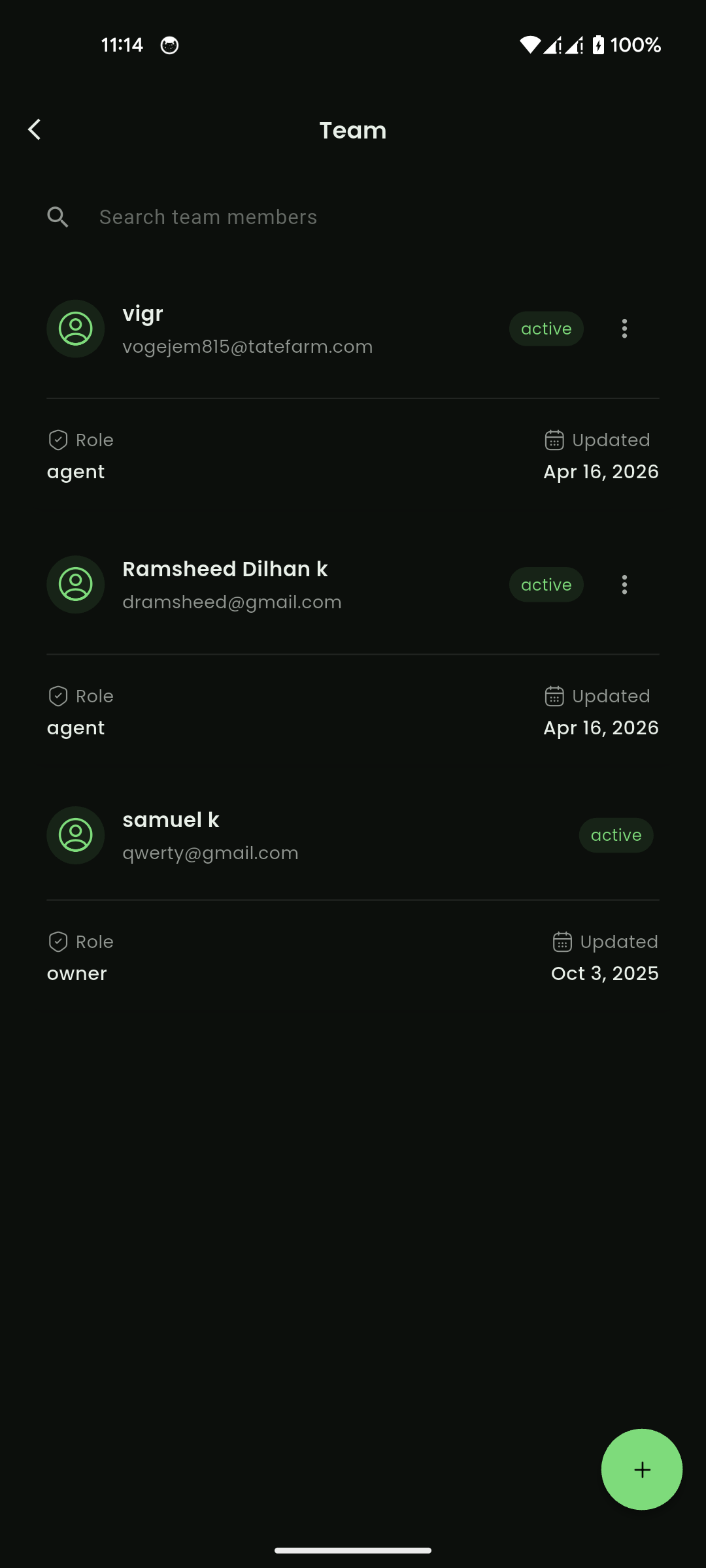
Mobile View
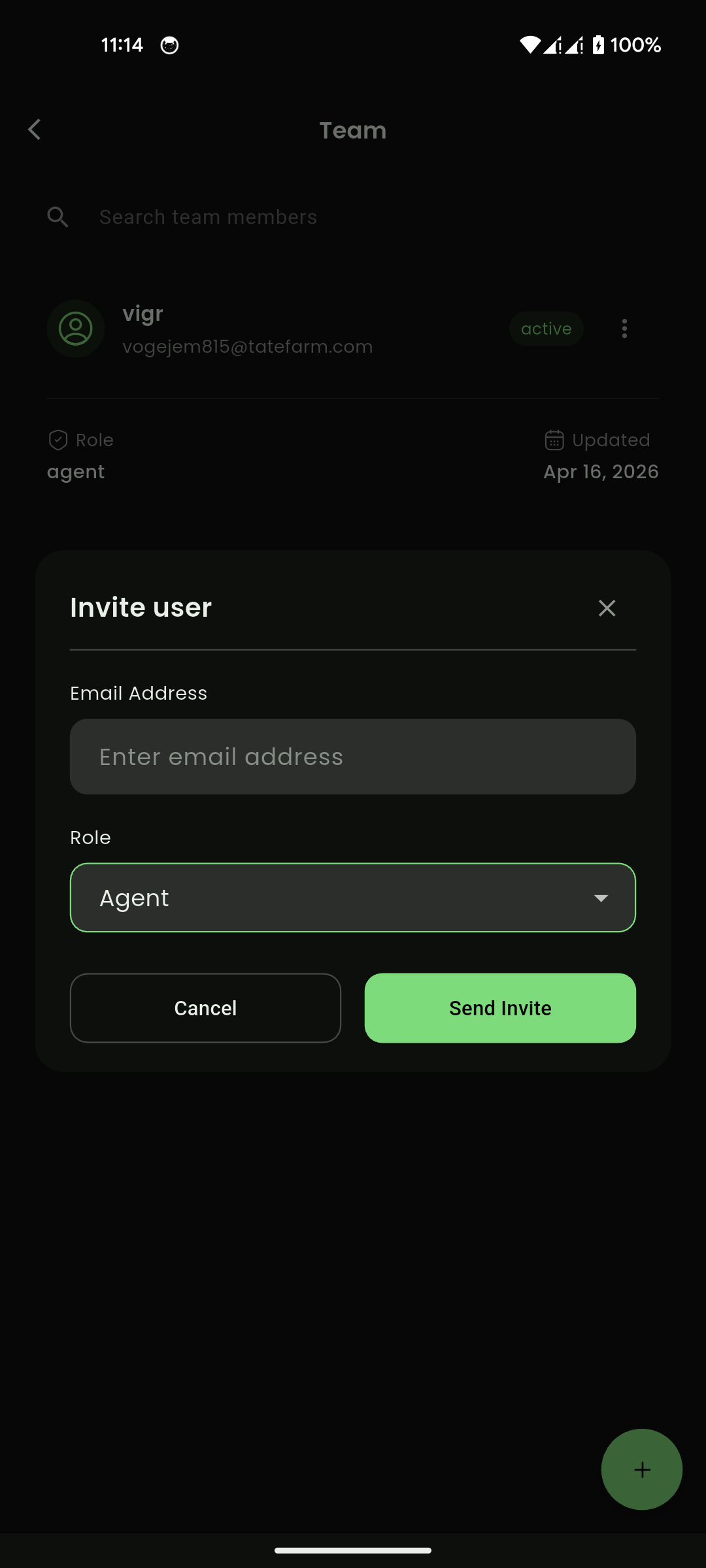
Mobile View