
What this feature does:
Templates are reusable message formats used for campaigns and template-based replies.
When to use it:
Use templates when you need approved, consistent messages for customer communication.
How to use it:
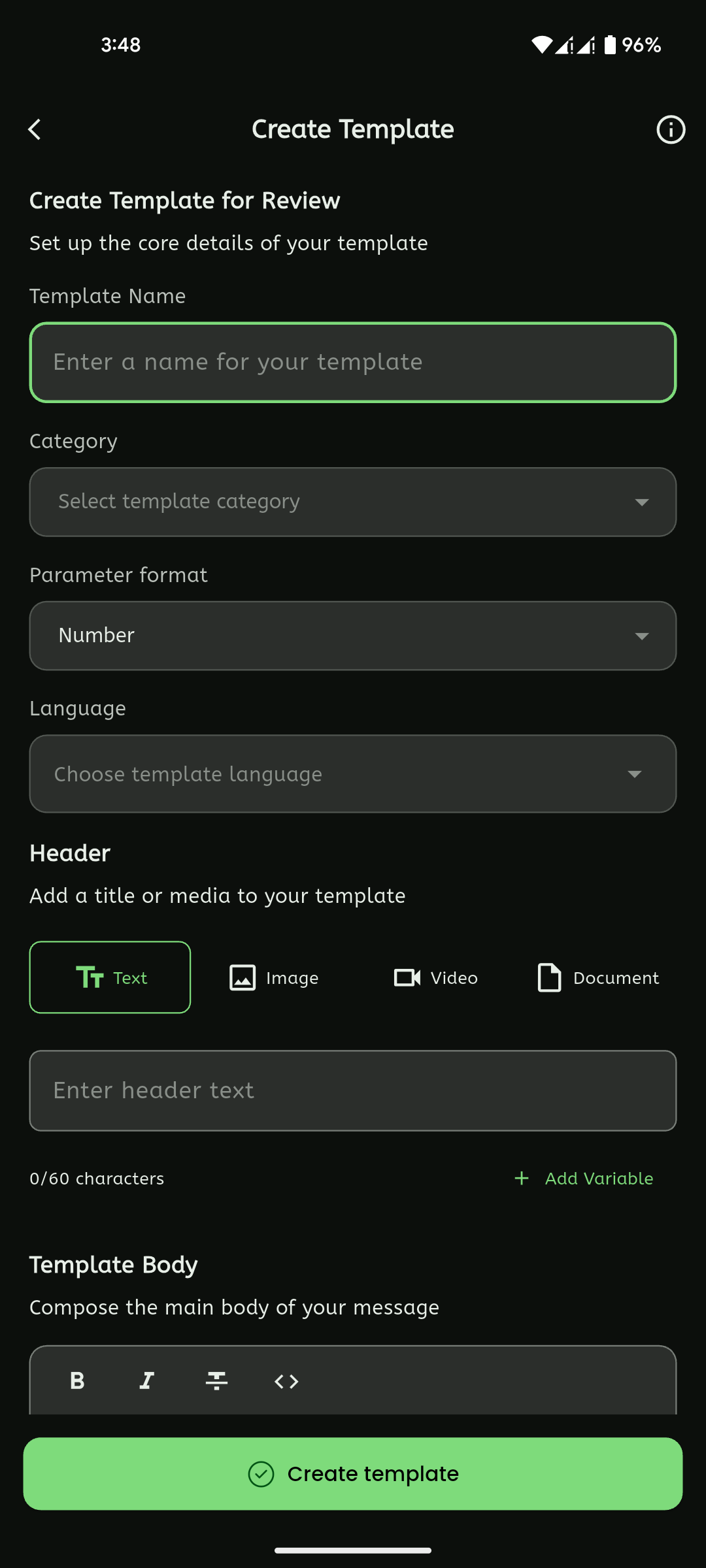
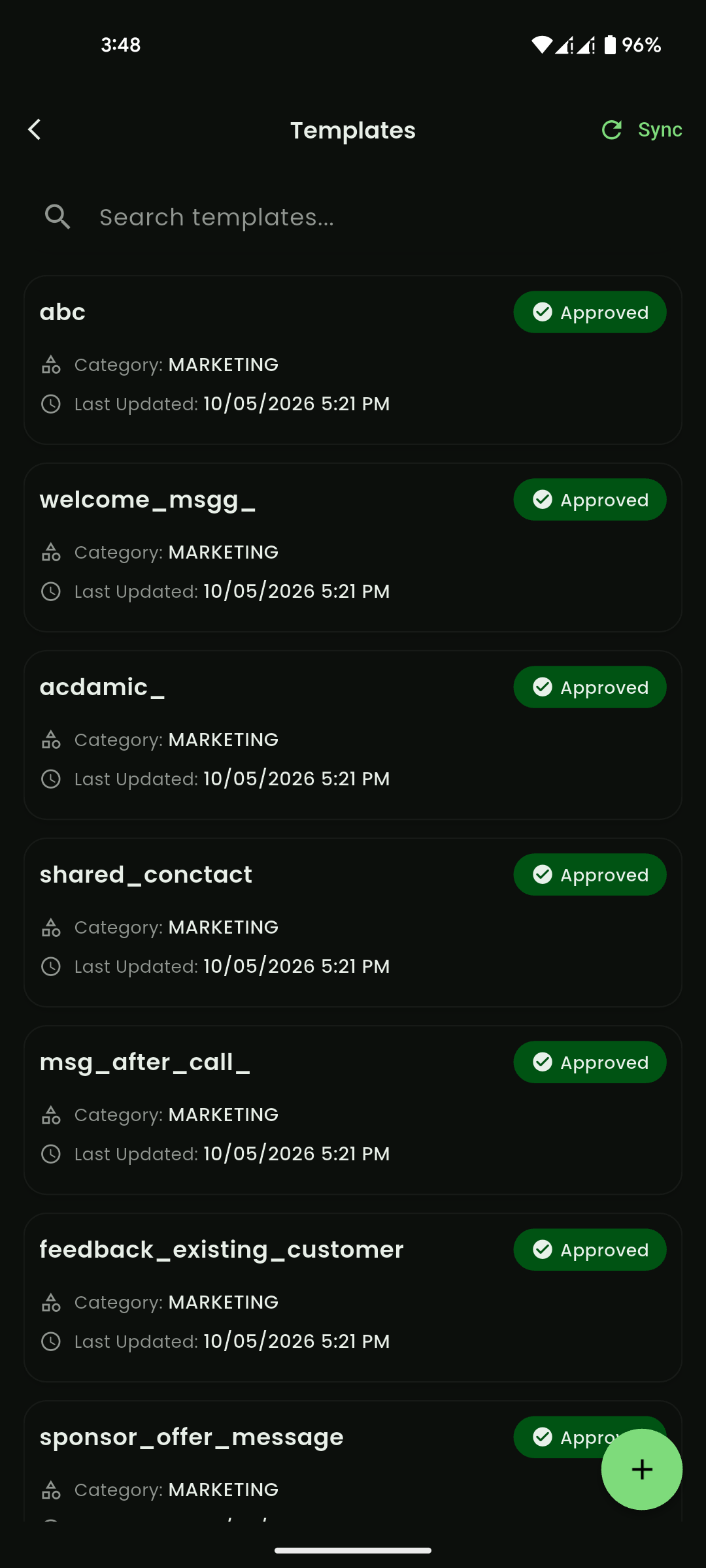
- Open Templates.
- Select Create Template.
- Choose the template language.
- Add header content if needed.
- Add the message body.
- Add variables such as
{{1}},{{2}}, or{{3}}where personalization is needed. - Add interactive buttons if needed, such as phone number, website, offer code, or custom button.
- Add media if required by the template type.
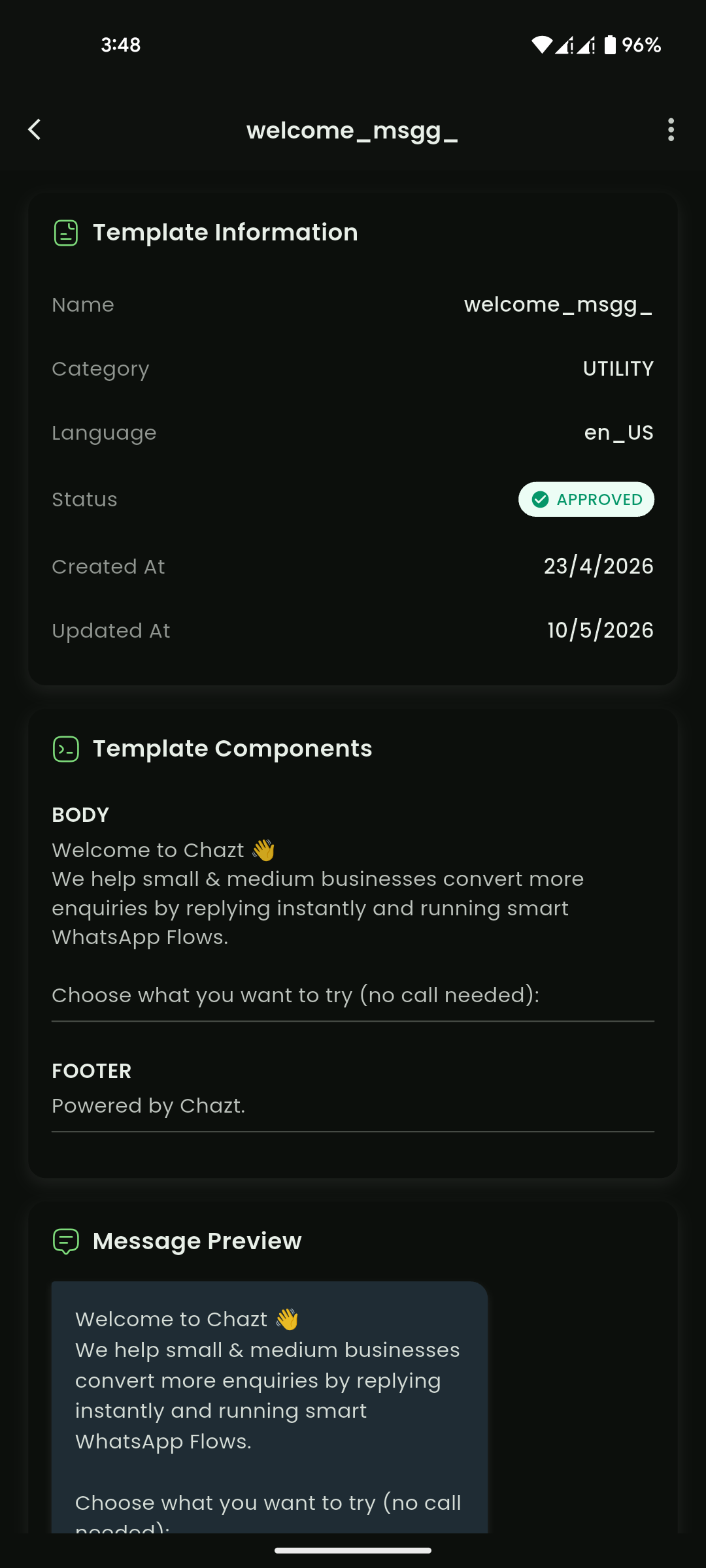
- Review the message preview.
- Select Create Template for Review.
Expected result:
The template is submitted or saved for review and becomes available once approved or ready.
Important notes:
- Use numbered placeholders for variables.
- Only one header variable may be allowed.
- Supported media formats may include JPG/PNG for images, MP4/MOV for videos, and PDF/DOC for documents.
- Template availability may depend on approval status.
- Templates can be searched, synced, viewed, and deleted where allowed.
Template content structure
Templates are usually built from these parts:
- Header: Optional text, media, or a single variable.
- Body: Main message content with variables such as
{{1}},{{2}},{{3}}. - Footer: Optional short supporting text.
- Buttons: Optional interactive actions such as call, website, copy code, or quick reply.
Template content tips
- Keep header text short and clear.
- Put key details in the body and use variables for personalization.
- Use footer for disclaimers, support notes, or business identifiers.
- Ensure button labels match the action destination.
- Test with sample variable values before publishing.
Mobile View
Mobile View
Mobile View