
What this feature does:
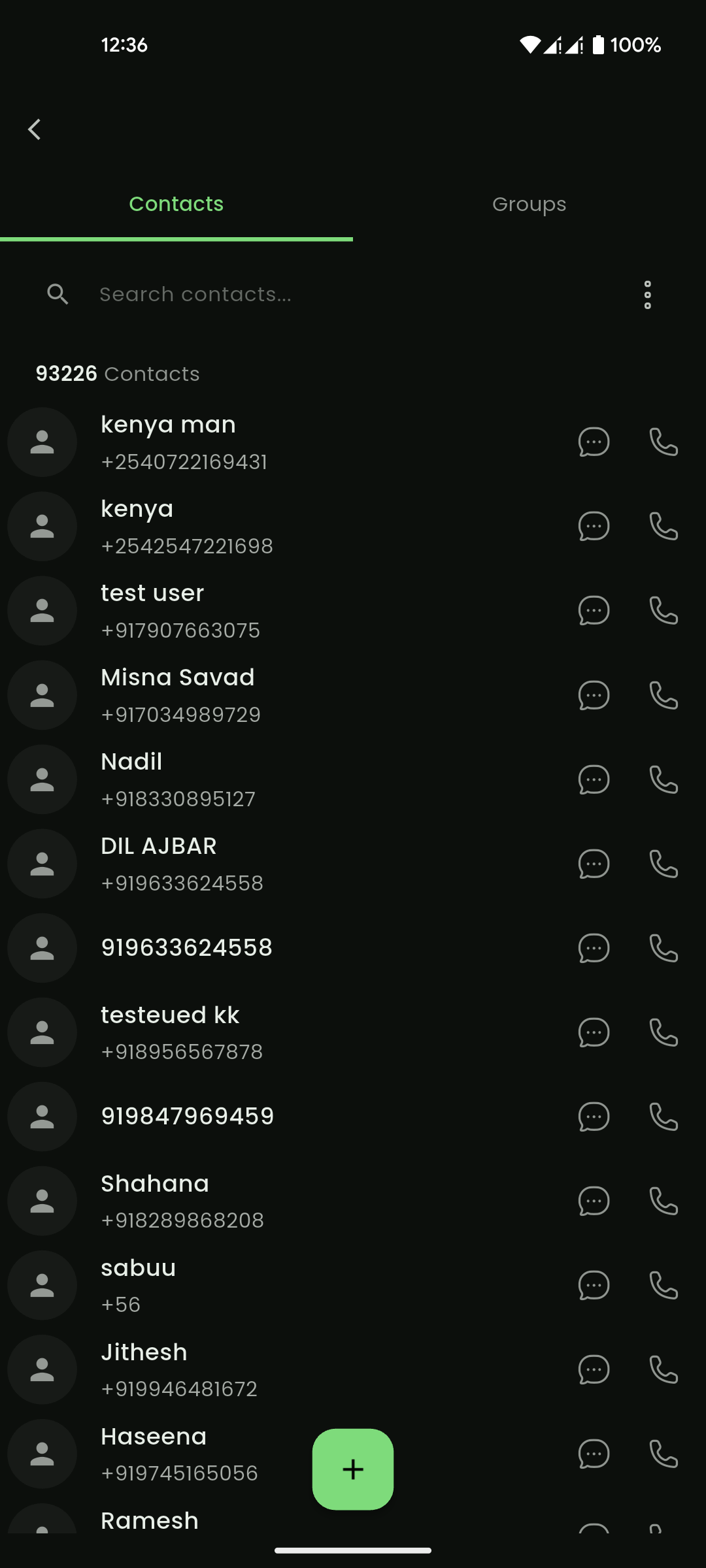
Contacts store customer and prospect information such as name, phone number, email address, address, and group membership.
This area also connects to contact import, groups, leads, and customers.
When to use it:
Use contacts to organize people your business communicates with.
How to use it:
- Open Contacts.
- Select Add Contact.
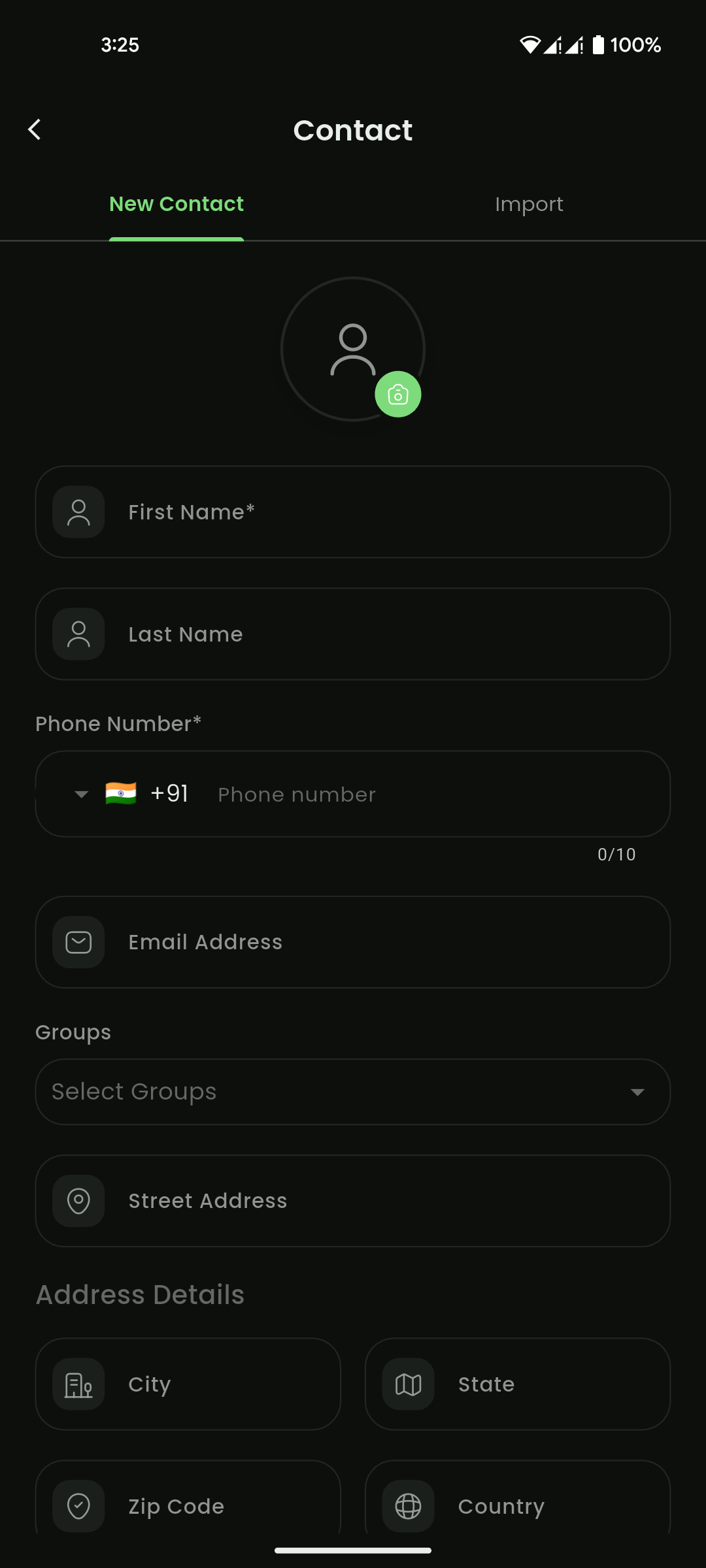
- Enter the required fields, such as first name and phone number.
- Add optional information such as last name, email address, street address, city, state, zip code, and country.
- Select one or more groups if needed.
- Select Save Contact.
Expected result:
The contact is saved and appears in the contacts list.
Important notes:
- Phone number is required.
- First name is required.
- Contacts can be searched.
- Contacts may be edited or deleted depending on permissions.
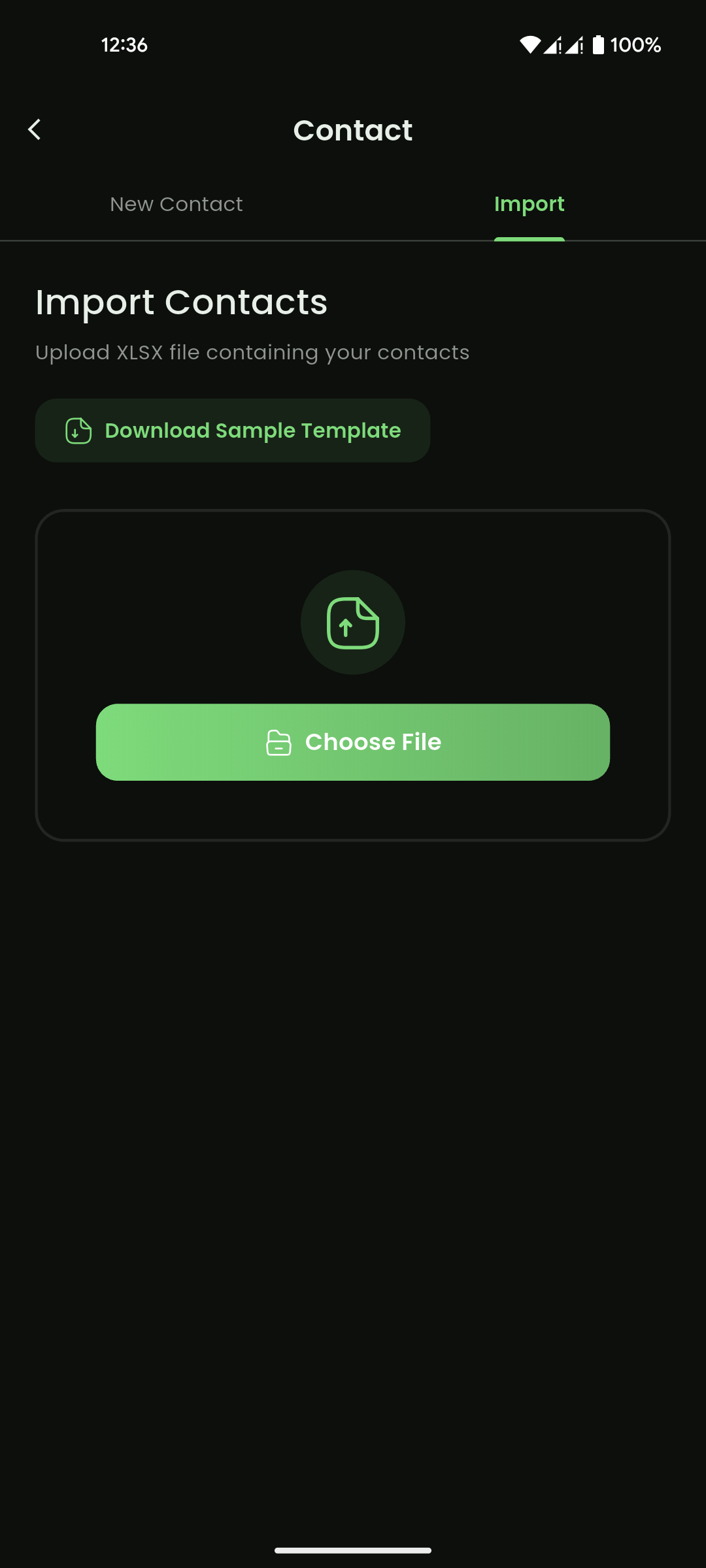
- Contacts can be imported from an XLSX file.
- Contacts can be exported to XLSX where available.
Related pages
- Contact Import for bulk contact uploads.
- Groups to organize contacts for campaigns.
Mobile View
Mobile View
Mobile View