
What this feature does:
Settings and Configuration provides a central place to manage personal account preferences and workspace-level behavior.
Available sections:
How to use it:
- Open Settings.
- Select the section you want to configure.
- Update fields or toggles.
- Save changes.
Expected result:
Your account and workspace settings are updated based on selected options and permissions.
Important notes:
- Personal details and password changes are managed under Account Settings.
- Account Settings include Personal Info, Change Password, Contact Support, About App, and Delete Account.
- Organization timezone affects how timestamps and date-based data are processed.
- Automation settings control reply handling sequence.
- WhatsApp settings require an active WhatsApp Business connection.
- Ticket settings control assignment and visibility behavior.
Screenshots
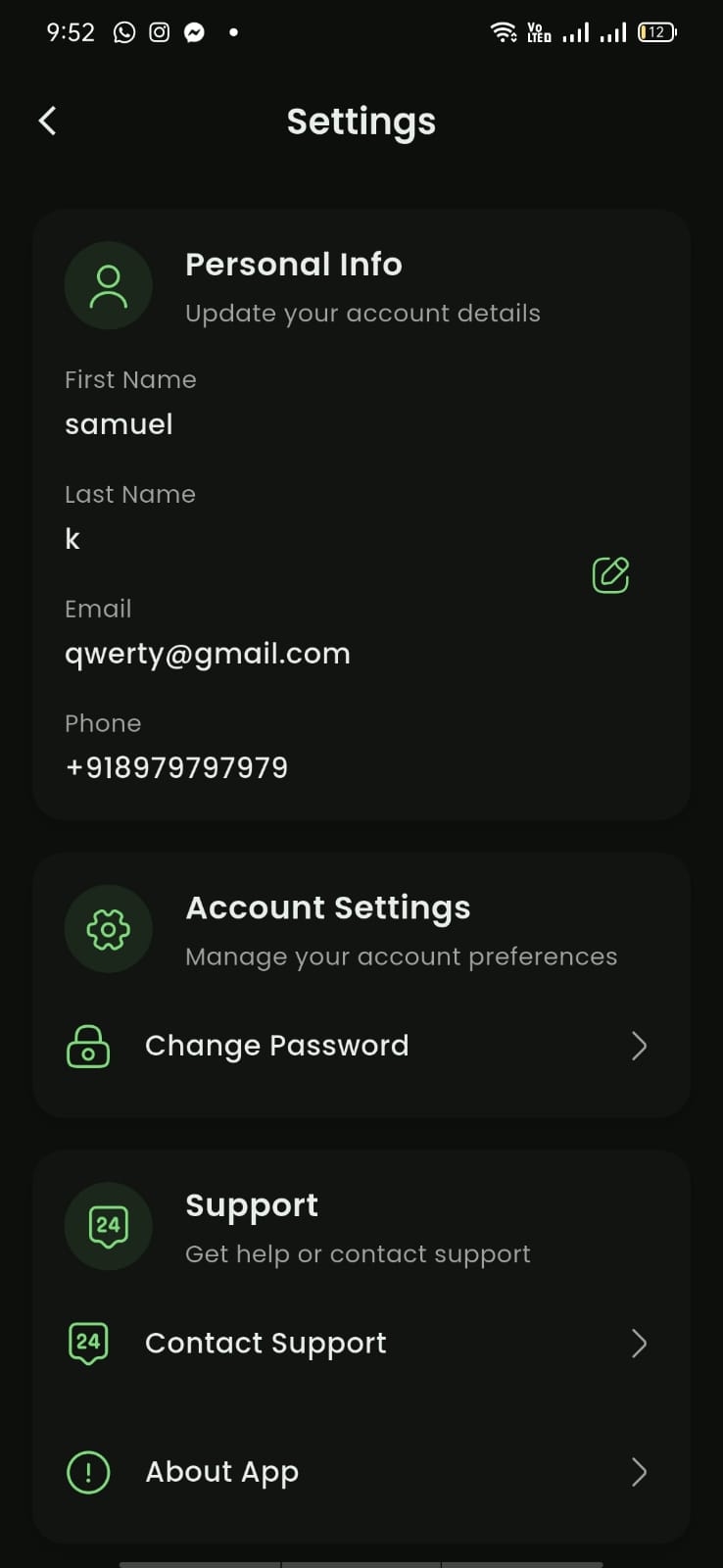
Mobile View